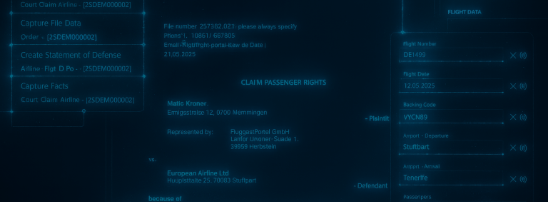
Let your case tell you the whole story: chronological view of events
Maintain a full overview of documents and actions from different points of view
Let your case tell you the full story
Fast and Clearly
Easier to understand than traditional tables, faster information retrieval
Interactively
Direct access to all relevant items in the case history
Comprehensively
Full overview of case-related activities
Full control through a timeline-style view of actions and documents for each case
The full story
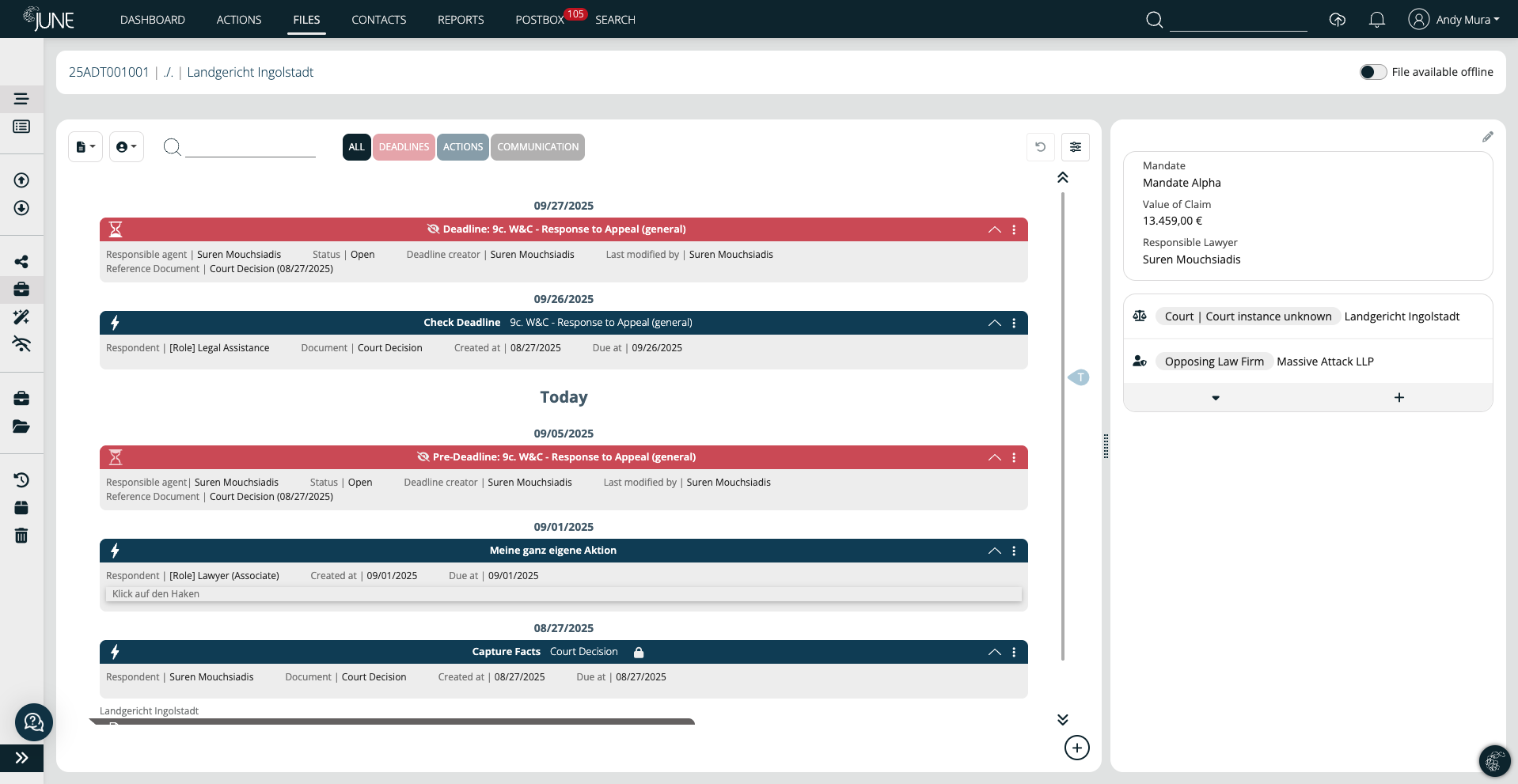
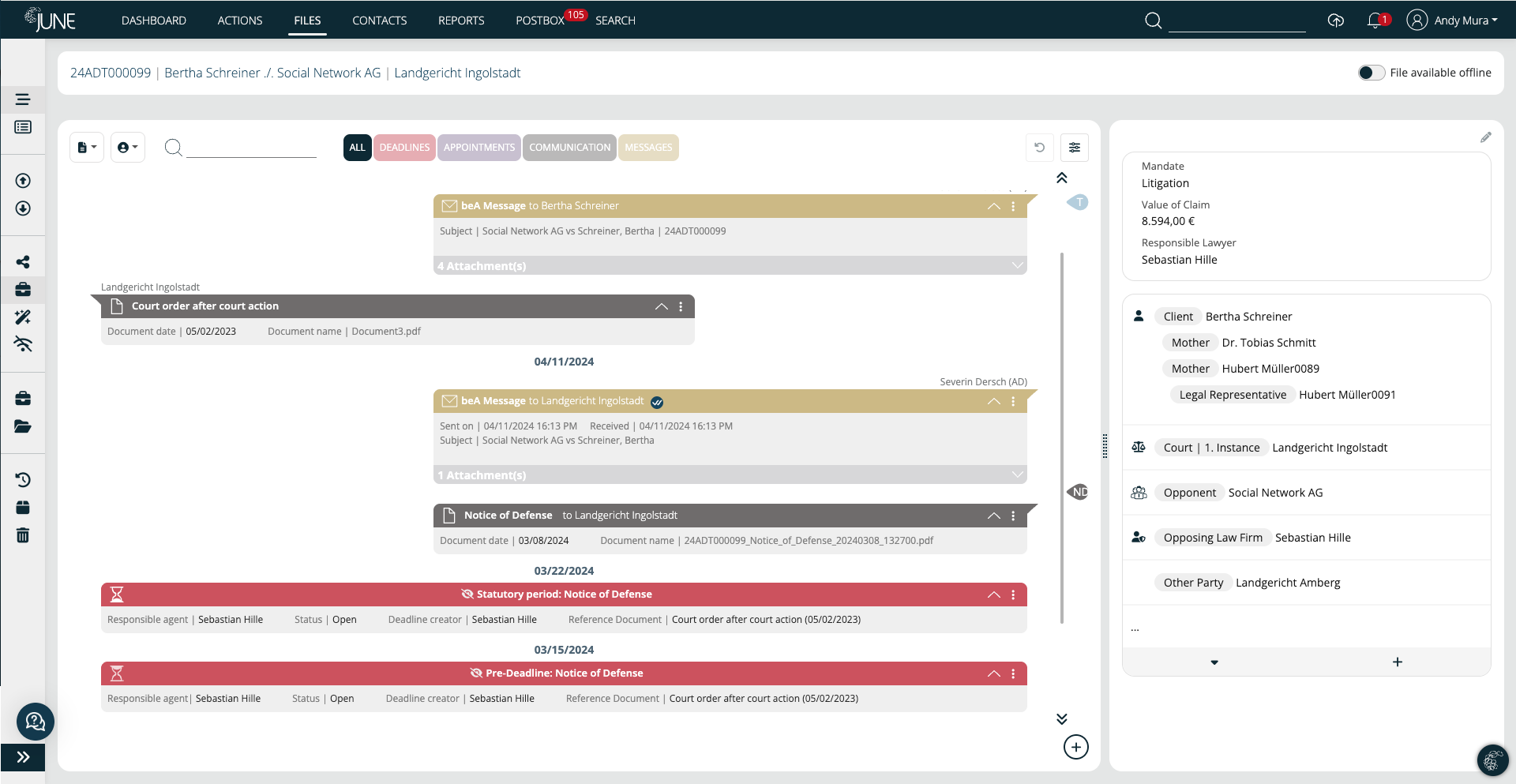
Deadlines and dates, as well as all communications within a file, are presented in the correct temporal context and are ordered chronologically. Communication is broken down by participant, and all information is filterable and searchable. Completed deadlines, past appointments, or completed actions can also be made visible again at any time as inactive elements.

Intelligent interactions
Interactive elements allow access to details, documents, and people. Each element in the timeline is clickable, leading to detailed views of tasks, documents, and associated people. Key information is tagged and leads directly to the source document with a single click. Special events within a file are defined as milestones and presented in a storyline. This allows you to jump back and forth between key documents even faster without the hassle of scrolling. Filtering and search capabilities enhance usability.
Clear interface
A case history is displayed in a familiar interface inspired by chat solutions, and their threads are presented in chronological order. Color-coded functionality also enhances the user experience and reduces the cognitive load. Our chronological view feature offers a clean, intuitive timeline of all actions, documents, and interactions related to a case or project. Instead of sifting through endless tables or disconnected records, users get a unified, interactive overview that feels familiar.

More context for decision-making processes
In complex legal and high-volume operational workflows, context is everything. By centralizing all relevant information in one place, users can make faster decisions, spot inconsistencies, and maintain a clear audit trail of every step taken. Contextual awareness allows both the system and you to make better decisions regarding the next steps in each case.